INKFLOW PLUS - Visual Thinker's Rejoice!
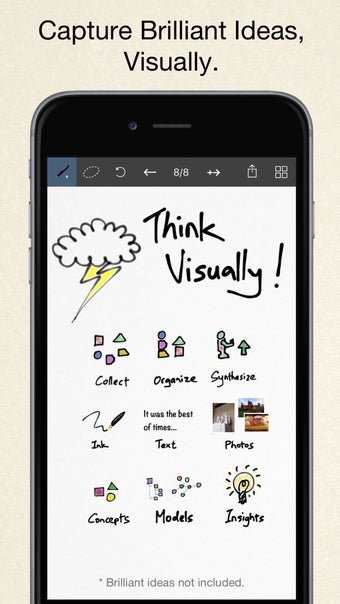
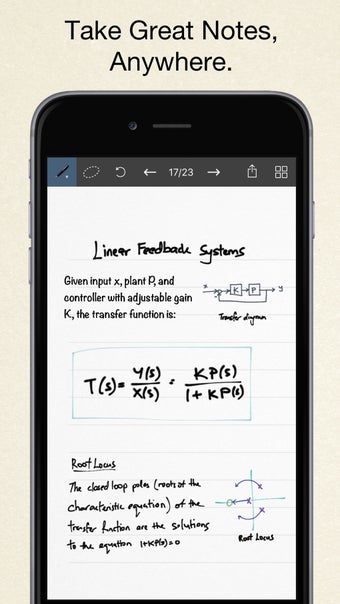
Inkflow is an app designed for people who want to use their phones as a tool for visual thinking and creation. It combines the creative power of the pen with the flexibility of the tablet, so you can organize your thoughts in any way you want.
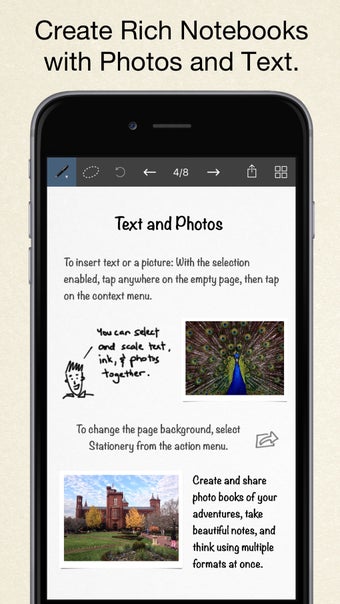
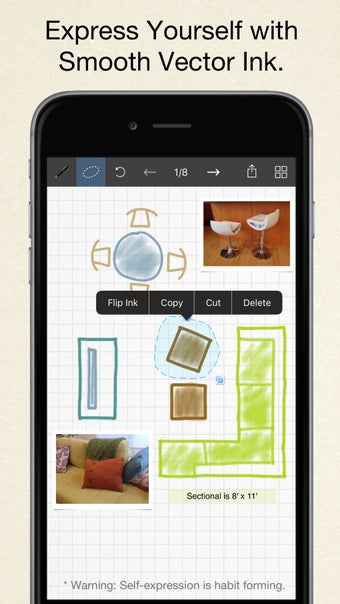
With Inkflow, you can write in real ink with any color you want, then move, resize, and rotate it to fit your page. You can add photos to your ink and even export them to a PDF or save your ink as a PNG image. And you can write freely, regardless of the page size, so you can scale up or down and move the ink around as you like.
When you're done organizing your ink, you can export it to a PDF or save it to a PNG image, which you can use as a template to start a new book. You can also use the page backgrounds you created to decorate the book or to write to a page that you haven't created yet.